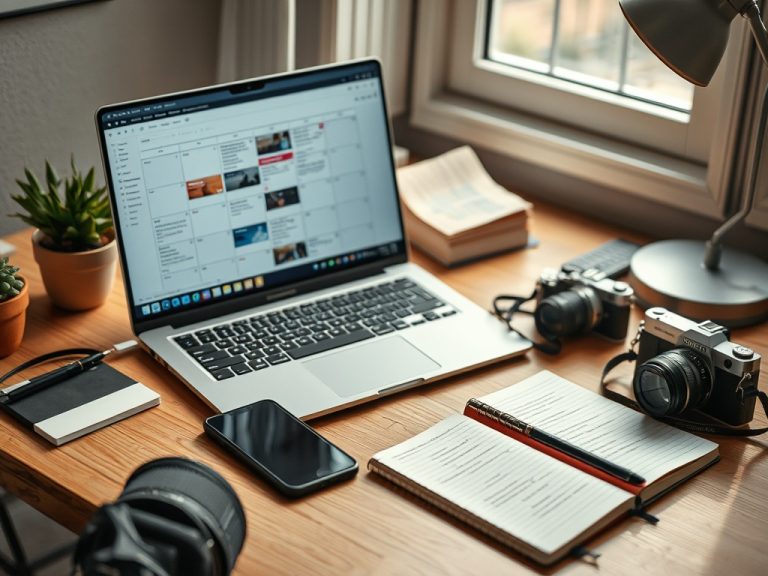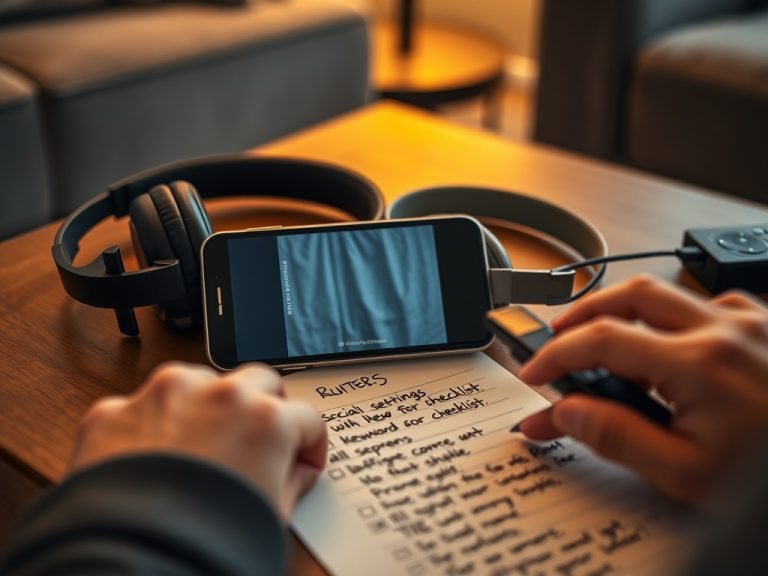
Room-size buying shortcut: For small rooms, a modest TV and basic streaming stick usually beat a projector. For medium rooms, choose between a larger TV and a projector based on light control. For large rooms, a projector can feel cinematic, but only if brightness, throw distance, screen surface, audio, and seating distance work together.
The best budget screen setup depends on room size first. Small rooms usually favor TVs, medium rooms can go either way, and large rooms make projectors more tempting if you can control light and place the screen correctly. A streaming stick is the easiest upgrade when your display still looks good but the software feels slow.
Buying by hype leads to mismatches. A bargain projector can look washed out in a bright room. A huge TV can overwhelm a short viewing distance. A cheap streaming stick can be perfect for a guest room but frustrating in the main room if you need fast app switching, strong Wi-Fi, or better remote features.
Start with distance, light, and seating
Measure the viewing distance from the main seat to the screen wall. Then check light. A TV handles daylight and lamps better than most budget projectors. A projector needs a darker room, a usable wall or screen, and enough throw distance. The Society of Motion Picture and Television Engineers maintains professional standards across moving-image technology, and consumer advice often borrows the same idea of matching screen size to viewing conditions.
Reviewers such as RTINGS publish screen-size and distance guidance that can help buyers avoid going too large or too small. You do not need a perfect cinema formula. You need a size that feels immersive without forcing constant head movement or exposing picture flaws.
If your home setup is partly for movies and animation, you may also enjoy watching credits as part of the viewing experience once the screen choice is settled.
| Room size | Budget-friendly default | When to consider the alternative |
|---|---|---|
| Small bedroom or office | 32- to 43-inch TV plus basic streaming stick | Projector only if you want occasional novelty and can darken the room |
| Medium living room | 50- to 65-inch TV or short-throw-friendly projector setup | Projector if you prioritize movie nights over daytime viewing |
| Large basement or den | Projector with proper screen and separate audio | TV if light control is poor or setup must stay simple |
| Guest room or rental | Existing TV plus streaming stick | New display only if the old panel is failing or too small |
When a budget TV is the smarter buy
A budget TV is usually the easiest choice for mixed use. It works for daytime viewing, sports, games, news, background watching, and family use. It also includes speakers, apps, HDMI ports, and a remote in one package. Even if the built-in apps age, a streaming stick can refresh the experience.
For most small rooms, choose a TV before a projector. You avoid fan noise, image alignment, washed-out blacks, and screen placement problems. Look for enough HDMI ports, acceptable viewing angles, and a stand or mount that fits your furniture. If energy use matters, the ENERGY STAR television guide can help you compare efficiency claims.
When a projector makes sense
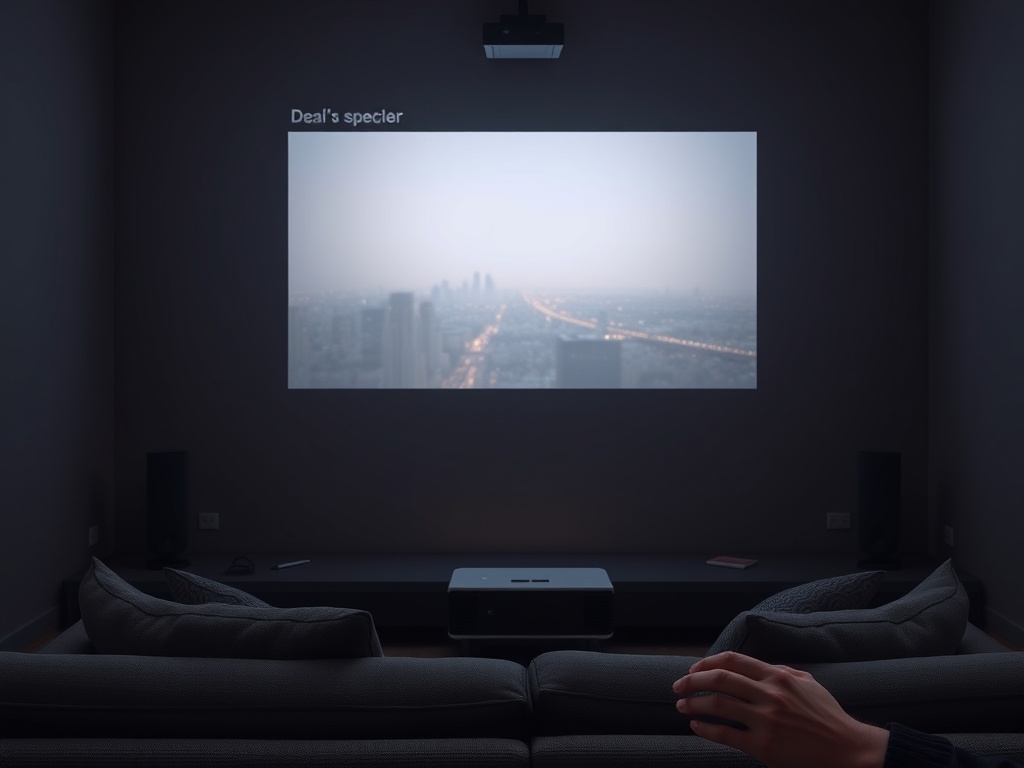
A projector makes sense when the room supports it. You need a darker environment, a reasonable screen surface, and a seating distance that benefits from a larger image. A projector can feel more cinematic than a TV at the same price, but the hidden costs are real: screen, mount or shelf, speakers, cables, blackout curtains, and setup time.
Budget projectors are best for planned viewing, not casual daytime use. They work well in basements, spare rooms, dorm movie nights, or flexible spaces where a TV would dominate the wall. They are less ideal when children, pets, rentals, or furniture layouts make alignment fragile.
Streaming sticks: the lowest-cost upgrade
A streaming stick or small streaming box is often the best budget move. It can make an older TV feel faster, add missing apps, improve search, and simplify travel or guest-room viewing. Choose one based on the apps you use, Wi-Fi strength, remote style, privacy comfort, and whether you need voice search or smart-home integration.
Do not buy a new display just because the apps feel old. If the picture is still good, try a streaming stick first. This is especially helpful before a big release when you want quick access without app crashes or messy menus. Pair it with the precautions in a spoiler-muting setup so the viewing night is less stressful.
Audio and room layout matter more than specs
Budget displays often disappoint because of sound, not picture. A small soundbar, used receiver, or powered speakers can improve dialogue more than a slightly better panel. Projectors especially need separate audio because the image may be across the room from the device.
Check power outlets, cable paths, Wi-Fi strength, seating glare, and where people walk. A setup that looks clean in a product photo may be awkward in a real room. Measure before buying, and tape a rectangle on the wall if you are unsure about size.
Budget by the whole setup, not the display
Set aside part of the budget for cables, a mount, a surge protector, a soundbar or speakers, and any furniture changes. A display that consumes the entire budget can leave you with bad sound, awkward placement, or visible wires that make the room harder to use. The best budget setup is balanced, not merely large.
For renters, avoid permanent mounts unless the lease allows them. A tabletop stand, portable projector screen, or compact streaming device may be smarter than a perfect setup you have to remove in six months.
Mistakes to avoid
- Buying the largest screen that fits without considering viewing distance.
- Using a projector in a bright room and blaming the projector for looking faded.
- Ignoring audio until after the budget is gone.
- Choosing a streaming stick that lacks the apps or Wi-Fi performance you need.
- Forgetting return policies, mounting limits, and rental restrictions.
Let the room choose the screen
For a small room, buy a sensible TV and add a streaming stick if needed. For a medium room, compare a larger TV with a projector only after checking light control. For a large dark room, a projector can be rewarding if you budget for screen and sound.
The smartest next step is not brand shopping. It is measuring the room, noting the light, listing the apps you use, and deciding how often the setup must work in daylight. Once those answers are clear, the budget choice becomes much easier.